Blog Customer Feedback13 Best Customer Insight Tools for Collecting Feedback
13 Best Customer Insight Tools for Collecting Feedback
The very best customer insight tools for capturing customer feedback and helping you improve your products and services.


Tony Hsieh, the former CEO of Zappos, famously said: "Customer service shouldn’t just be a department, it should be the entire company."
Knowing how your customers think, what their pain points are, and how you can be helpful to them is the lifeblood of every business. But who has time to collect all those consumer insights?
Luckily, there are plenty of great tools to help you gather customer insights in 2026. With the right set of features, these platforms allow you to get qualitative and quantitative data about customer behavior. 👇
TL;DR: the best customer insights platforms for 2026
- ✨ Featurebase - Best overall modern and powerful feedback tool for startups
- Google Trends - Best free tool for tracking search trends over time
- Google Analytics - Best free tool for analyzing website traffic and user behavior
- Hotjar - Best for heatmaps, recordings, and website feedback
- Zendesk - Best for managing customer support and self-service knowledge base
- Mixpanel - Best for tracking product analytics and user engagement
- Userpilot - Best for creating in-app onboarding experiences
- Intercom - Best for automating customer communication
- Kissmetrics - Best for analyzing customer needs through behavioral analytics
- Dovetail - Best for analyzing customer research data to uncover insights
- Sprout Social - Best for gauging customer satisfaction across multiple platforms
- Ahrefs - Best for researching content topics for your ideal customer base
- Zonka Feedback - Best for analyzing surveys and customer feedback with AI
What are customer insight tools?
Customer insight tools let businesses collect, analyze, and interpret customer data to understand behaviors, preferences, and needs.
These platforms help businesses by guiding their marketing strategies, product development, customer support, and overall customer satisfaction and experience.
There are various types of customer insight platforms. Most of them allow you to collect customer data from various platforms, such as your website, social media platforms, customer support interactions, CRM systems, customer surveys, and others.
Top features to look for in customer insight tools
"Customer insights" is a very broad category and features can range from data collection, sentiment analysis, and complex customer analytics tools. Based on our research, these are the vital features you'll need to unlock valuable customer insights.
1. Customer feedback collection and analysis
Customer insights = customer feedback. Every good tool in this category helps businesses collect qualitative and quantitative feedback on how users interact with your product, how they perceive you and compare you against competitors, and more.
Besides feedback collection (through surveys, polls, questionnaires, votes, interviews, etc.), these tools should have methods to analyze data.
For example, Featurebase offers a survey tool to run a quick NPS survey, and you can then compare your NPS score against your own previous scores or comparable scores in your niche or industry.
2. Advanced analytics and reporting
Good customer insight tools let you know what is happening and why. They should provide in-depth analytics, such as customer segmentation, trend analysis, sales analytics, and predictive insights, to help businesses make data-driven decisions.
For example, a qualitative feedback tool for website analytics can show you a significant spike in bounce rate on a specific page and then give you ideas on rectifying the situation.
3. Customer segmentation
One of the basics of every good customer insights strategy is this: not all customers are equal. Some are free users or freelancers on your cheapest plan. Others are enterprise users with 100+ seats, spending thousands per month. You do not want to treat both groups the same.
The best customer insight tools let you segment your target audience into groups based on their monthly recurring revenue, lifetime value, preferences, location, industry, previous customer interactions, and other criteria.
4. Sentiment analysis
Analyzing what users say about your product or business is easy if you get three comments daily. But as your brand grows and feedback starts coming in from all sides, you can get caught up in customer feedback. Sentiment analysis helps you gain insights about how your customers feel when leaving feedback.
AI-based sentiment analysis tools run every feedback item through a complex algorithm and tell you if a comment is positive, negative, or neutral. This allows you to make informed decisions about your product and spot crises early on.
5. Deep integration with other business tools
To get genuinely actionable insights from customer insight tools, you'll need them to connect with the rest of your tool stack.
Some examples include CRM tools, project management platforms, product roadmap tools, help desk tools, marketing automation platforms, and others. Evaluate integrations during demo calls, free trials and sales team conversations because it might be too late once you become a paying customer.
Top customer insight tools for getting actionable insights in 2026
Looking to understand customer behavior, gain customer insights, and have a deeper understanding of your target audience? This is the best customer insight software money can buy right now.
1. Featurebase ✨
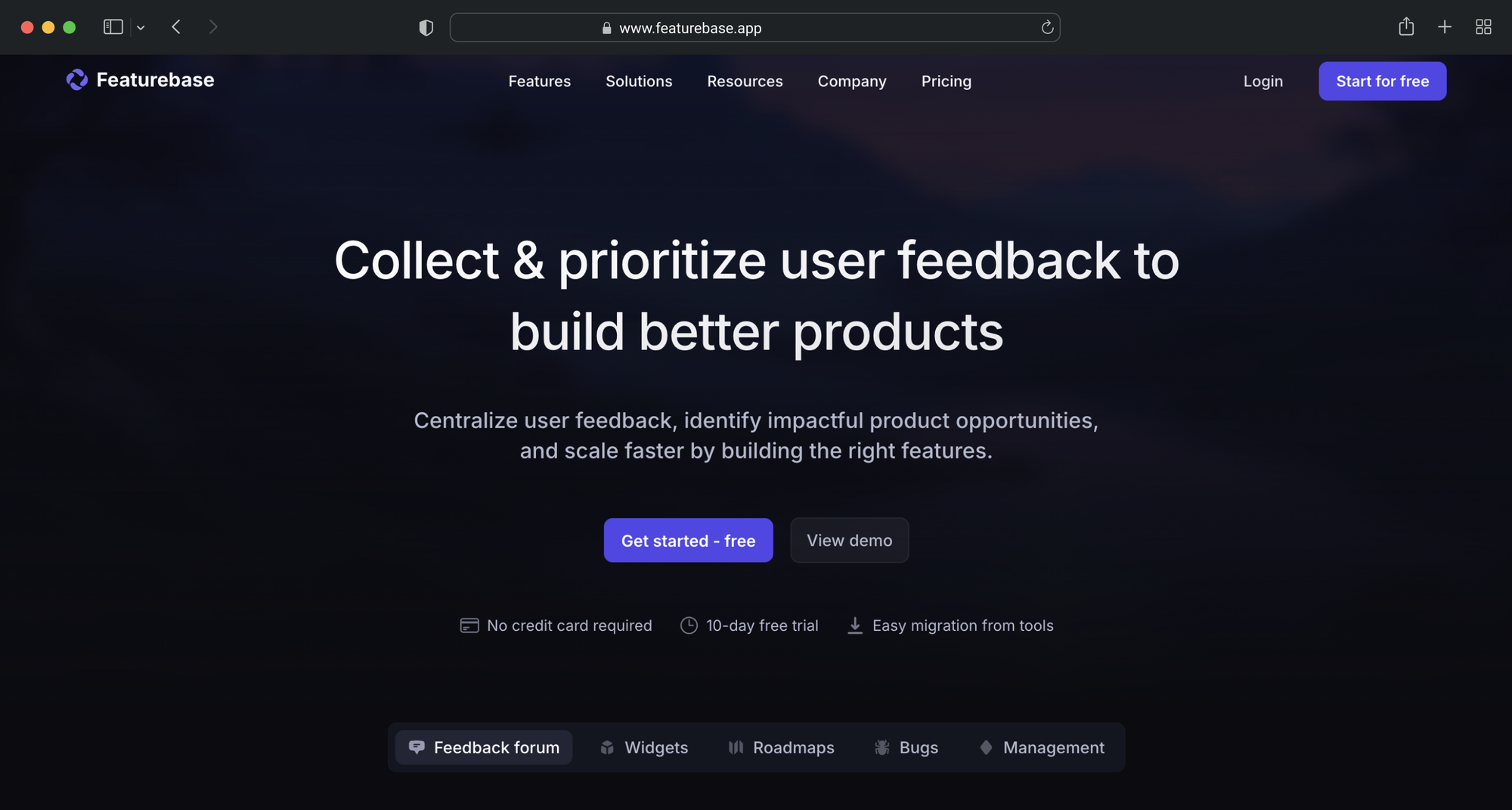
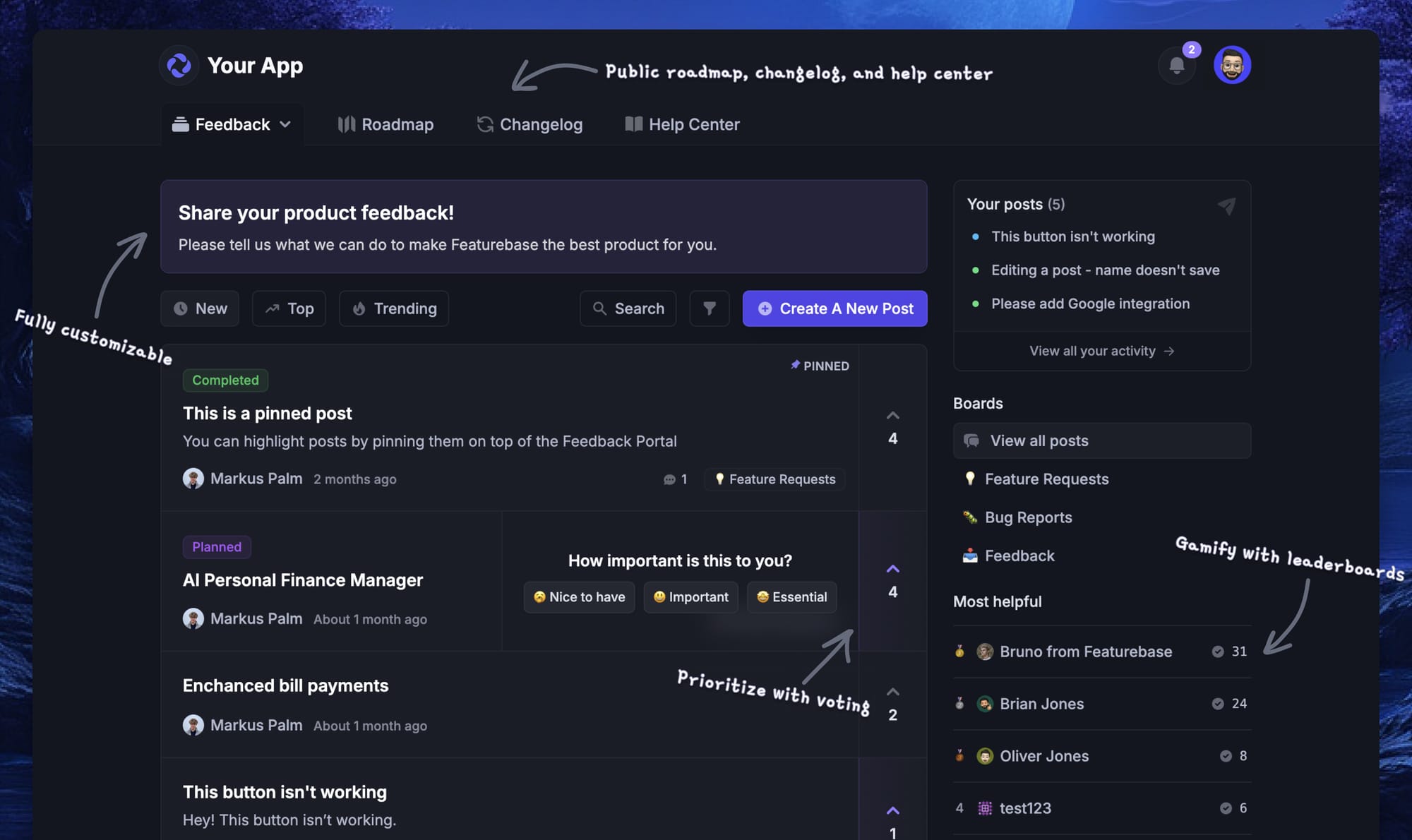
Featurebase is a modern customer insight platform that helps companies collect, organize, and act on feedback from users. Instead of spreading feedback across surveys, support tickets, and scattered conversations, Featurebase brings everything into one place.
Product teams use it to understand what customers want, prioritize feature ideas, and keep users informed about improvements.
Feedback can come from many sources.
With Featurebase, teams collect insights through surveys, embeddable feedback forms inside their product, integrations with other tools, or a public feedback forum where customers can submit ideas and vote on requests. This creates a centralized space where product teams can clearly see what customers care about most.
Once feedback is collected, Featurebase helps teams prioritize what to build next. Customer insights can be linked to data such as revenue or company size, which helps teams understand which requests come from their most important users.
Key features of Featurebase include:
- Public feedback forum where customers submit ideas, vote on features, and discuss product improvements
- Embeddable feedback forms and widgets that allow companies to collect feedback directly inside their product
- Customer surveys such as NPS and CSAT to measure satisfaction and gather structured feedback
- Prioritization by customer revenue or company data, helping teams focus on the ideas that matter most
- AI feedback categorization and summaries that automatically group and analyze large volumes of feedback
- Product updates and changelogs that help close the feedback loop by showing customers what has been shipped
- Roadmaps that allow teams to share upcoming features and product direction
- Knowledge base that helps companies provide self-service support alongside feedback tools
- Integrations with tools such as Slack, Intercom, Discord, ClickUp, and many others
Featurebase also helps teams close the loop with customers. When a feature request is implemented, users who voted or commented on the idea can automatically receive updates, which helps build trust and keeps customers engaged with the product.
Featurebase is one of the more affordable customer insight tools in the market once you consider the feature set.
There is a free plan with unlimited feedback collection, while paid plans start at $29 per seat per month. The platform is quick to set up, which makes it easy for teams to start collecting customer insights without a long onboarding process.
✨ Start collecting & managing feedback with Featurebase for free →
2. Google Trends
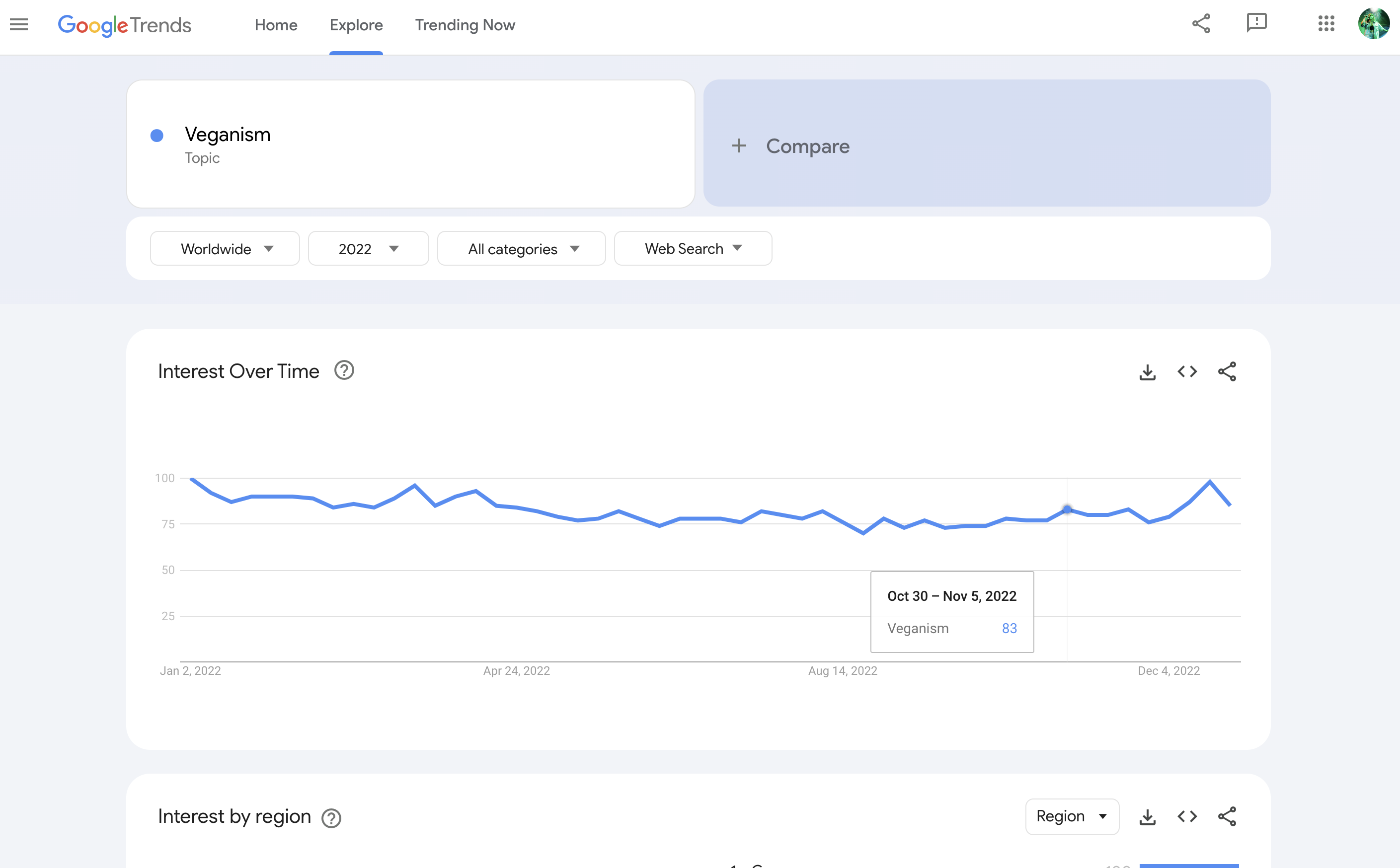
Google Trends is a free tool by Google that shows you the popularity of search queries across the world, helping users understand trends over time. It's good for identifying the bigger trends and getting the macro picture, but will not tell you much about smaller user segments.
Top features:
- Search volume analysis: Offers insights into the frequency of specific search terms over time, helping you spot trends.
- Geographical data: Displays search interest by region, highlighting where topics are most popular.
- Related topics and queries: Suggests associated search terms, uncovering emerging trends and user interests.
- Category filtering: Allows users to narrow search data within specific categories for more targeted insights.
- Real-time data: Provides up-to-date information on search trends, informing users about the latest topics.
Considerations:
- Relative data: Displays search interest relative to the highest point on the chart, not absolute search volume.
- Limited granularity: May not provide detailed data for niche or low-volume search terms.
- No direct API access: It lacks an official API for programmatic data retrieval, limiting automation capabilities.
Pricing: Free to use.
Google Trends should be in every company's tool stack because it allows you to gain actionable insights without spending a cent. If anything, you can learn how to take a deep dive into data before moving on to other, paid tools.
3. Google Analytics
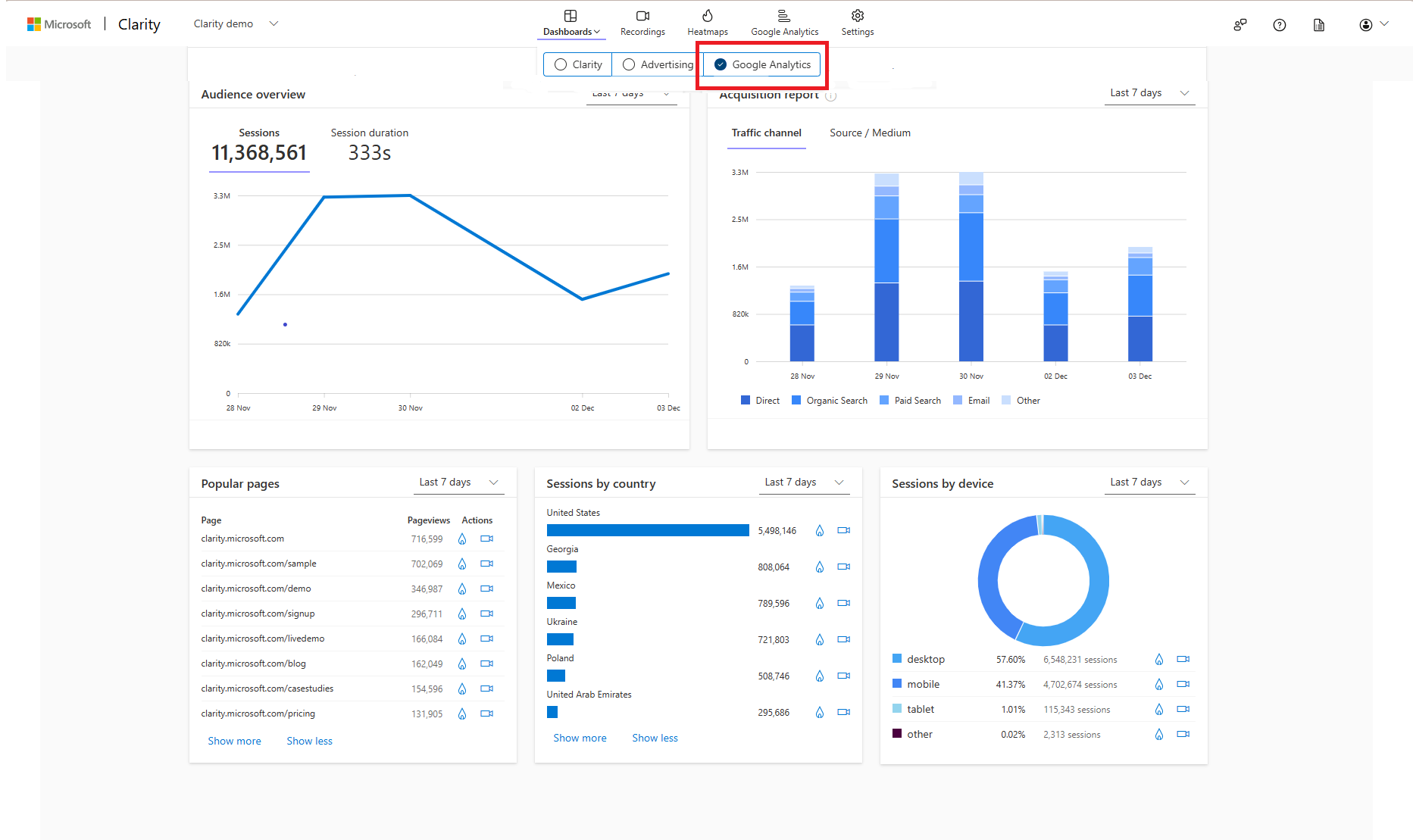
Google Analytics is a web analytics service provided by Google that tracks and reports website traffic, offering insights into user behavior and website performance.
Top features:
- Reporting and visualization: Provides detailed reports and visualizations to understand user interactions and site performance.
- Funnel analysis: Identify where users drop off in the conversion process, helping you optimize sales and marketing funnels.
- Tag management: Simplifies adding and managing tracking codes on your website without manual code edits.
- Smart goals: Automatically identifies and tracks the most engaged visits to your site, aiding in performance assessment.
- Data activation: Helps with collecting data to inform marketing strategies and improve user experiences.
Considerations:
- Privacy concerns: Collects extensive user data, which may raise privacy issues and require compliance with data protection regulations.
- Complexity: Offers a wide range of features that can overwhelm beginners.
- Sampling limitations: The free version may apply data sampling in reports, potentially affecting data accuracy for high-traffic sites.
Pricing: The standard version is free; the premium version, Google Analytics 360, starts at $50,000 annually.
Just like Trends, Analytics allows you to understand everything going on on your website, app or SaaS platform. From conversation data to insights on customer journeys, you can get it all for free.
4. Hotjar
Hotjar is a behavior analytics and user feedback platform that helps businesses understand how users interact with their websites, providing insights to improve user experience and conversion rates.
Top features:
- Heatmaps: Visual representations of user interactions, showing where users click, move, and scroll on a webpage.
- Session recordings: Playbacks of individual user sessions, letting you observe user behavior and spot usability issues.
- Conversion funnels: Analyze user pathways through a site, showing where users drop off during the conversion process.
- Form analytics: Insights into how users interact with forms, identifying fields that cause friction or abandonment.
- Surveys and feedback widgets: Tools to collect direct user feedback through on-site surveys and feedback forms.
Considerations:
- Data privacy: Collects user interaction data, requiring compliance with data protection regulations and user consent.
- Performance impact: If not optimized properly, implementing tracking scripts may affect website load times.
- Cost scalability: Pricing increases with higher session volumes, which could concern high-traffic websites.
Pricing: starts at $39 per month for the Plus plan, with a free Basic plan available.
Hotjar is an excellent way to get customer behavior insights without asking a lot of questions. Bear in mind that it means adding another script to your website and that you'll be collecting even more data than you would usually.
5. Zendesk
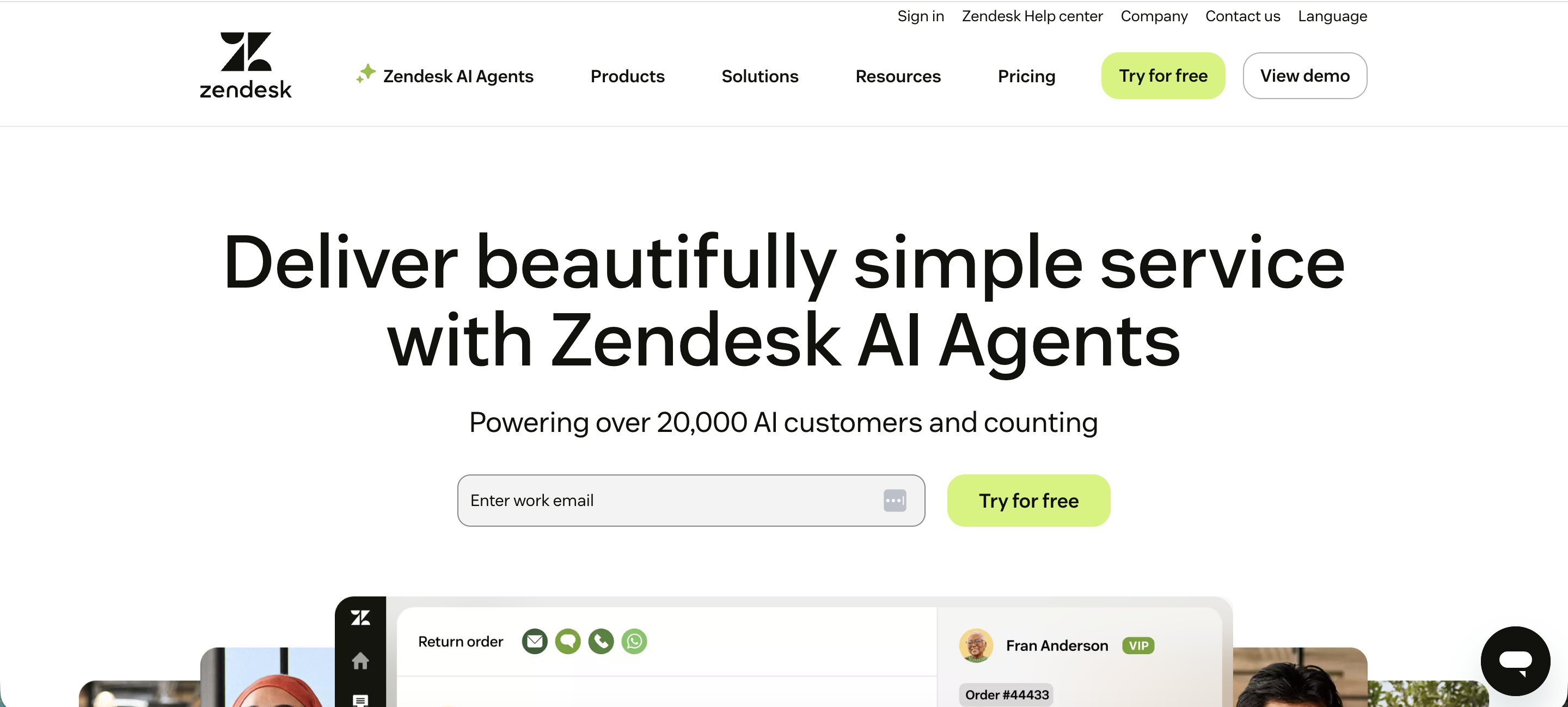
Zendesk is a customer service platform that provides tools for managing customer interactions across various channels, helping businesses improve their support operations.
Top features:
- Omnichannel support: Manage customer communications across email, chat, phone, and social media from a unified interface.
- Ticketing system: Track, prioritize, and resolve customer inquiries efficiently with a centralized ticketing system.
- Knowledge base: Create and manage self-service resources to empower customers to find answers independently.
- Automation and workflows: Automate repetitive tasks and set up custom workflows to enhance support efficiency.
- Reporting and analytics: Gain insights into support metrics and team performance with comprehensive reporting tools.
Considerations:
- Pricing: Costs can increase significantly as additional features or agents are added, which may impact budgeting for smaller teams.
- Complexity: The wide range of features may require a learning curve and dedicated resources for effective implementation.
- Customization: Some advanced modifications may require technical expertise or assistance from the support team.
Pricing: starts at $19 per agent/month for the Support Team plan, with more advanced plans like the Suite Team starting at $55 per agent/month.
Beware that many users look for Zendesk alternatives once they figure out that it's not that easy to set up. While the initial Zendesk pricing seems cheap, costs add up fast if you use Zendesk's AI resolutions to handle customer conversations.
6. Mixpanel
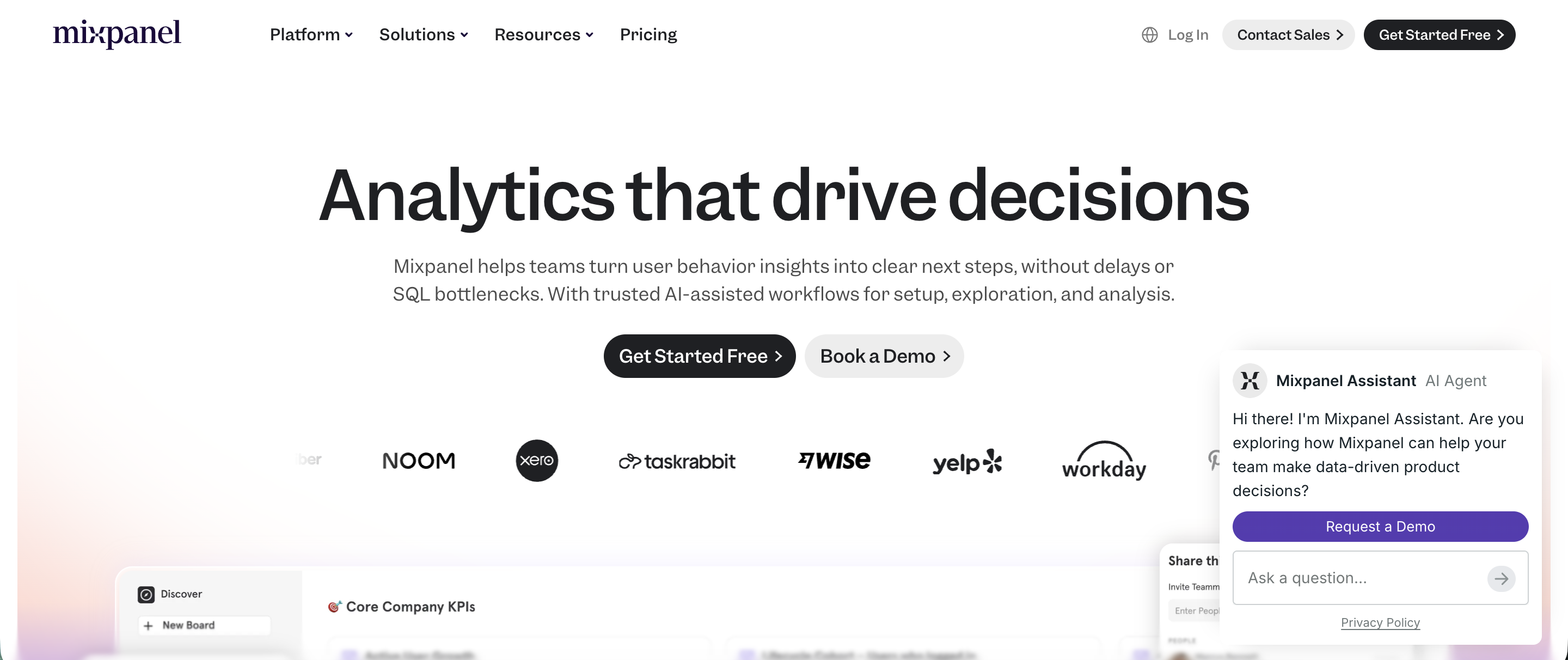
Mixpanel is a product analytics platform that helps businesses understand user interactions with their digital products, enabling data-driven decisions to improve user experience and engagement.
Top features:
- Event tracking: Monitor specific user actions within your product to gain insights into user behavior.
- Funnel analysis: Identify drop-off points in user journeys to optimize conversion rates.
- Cohort analysis: Group users based on shared behaviors or characteristics to analyze engagement over time.
- Retention reports: Measure how often users return to your product, helping you assess customer loyalty.
- A/B testing: Experiment with different product variations to determine the most compelling features or designs.
Considerations:
- Learning curve: New users may need time to learn about the ins and outs of this tool.
- Cost scalability: As event volumes increase, costs can increase substantially.
- Data privacy: Handling user data requires adherence to data protection regulations and best practices.
Pricing: starts at $140 per month for the Growth plan.
Mixpanel is a very powerful platform to understand what kind of customer experience a SaaS platform provides. For other businesses, it may be too specialized (or too expensive).
7. Userpilot
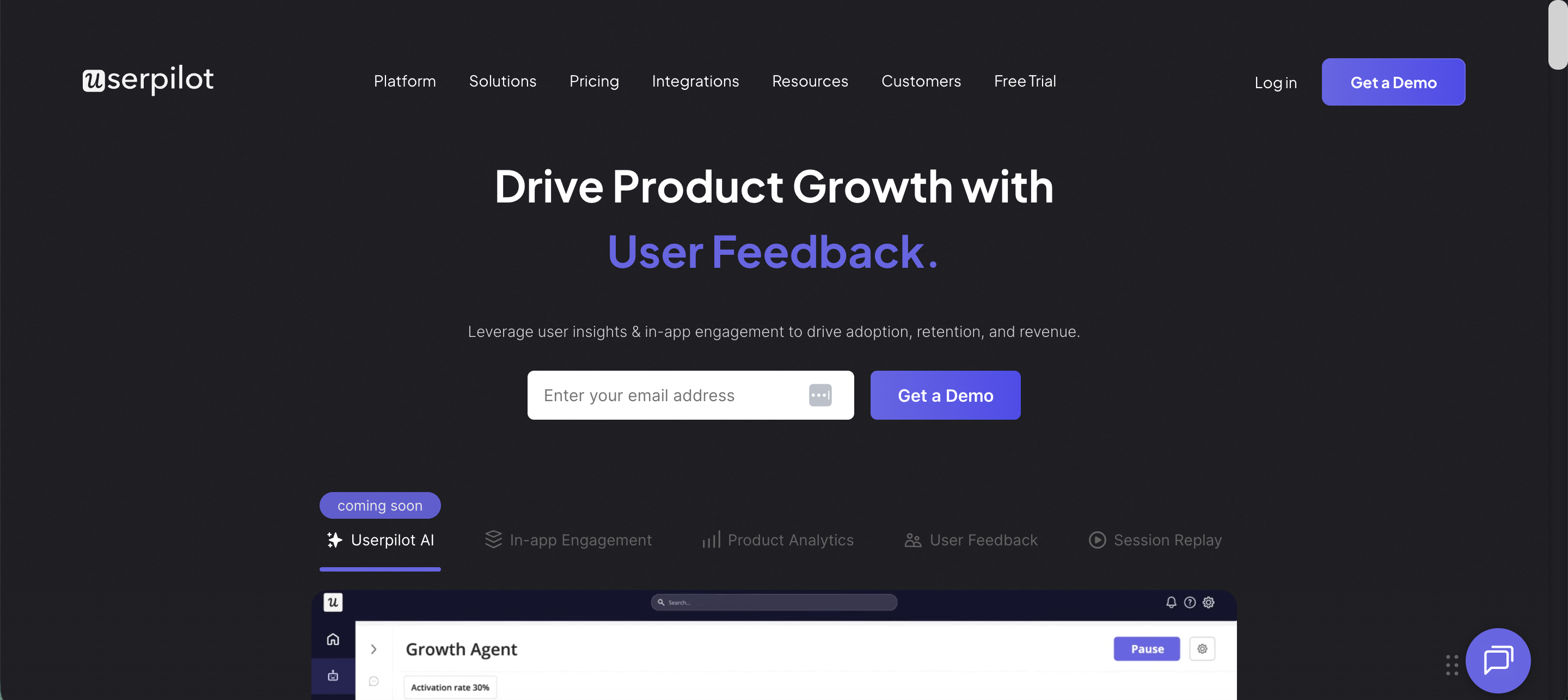
Userpilot is a product experience platform that helps product and customer success teams create personalized in-app experiences without coding, aiming to enhance user onboarding, engagement, and feature adoption.
Top features:
- No-code builder: Allows teams to design and implement in-app experiences like walkthroughs, tooltips, and modals without writing code.
- User segmentation: Enables targeting specific user groups based on behavior or attributes for tailored experiences.
- Product analytics: Provides insights into user interactions and feature usage to inform product decisions.
- A/B testing: Facilitates experimentation with different in-app experiences to determine the most effective approaches.
- In-app surveys: Collects user feedback directly within the product to gauge satisfaction and gather insights.
Considerations:
- Learning curve: Teams may need time to leverage the platform's capabilities fully.
- Cost scalability: Pricing increases with higher user counts, which could impact budgeting for smaller companies.
- Integration complexity: Integrating Userpilot with existing systems may require technical resources.
Pricing: starts at $249 per month for the Starter plan, which includes up to 2,000 monthly active users.
Userpilot is similar to Intercom in terms of the niche it's built for. It can give you exceptional behavioral data and surface actionable insights on customer onboarding and activation, so you can increase LTV and decrease customer churn. This complexity comes at a cost and setup won't be easy. It's also quite pricey.
8. Intercom
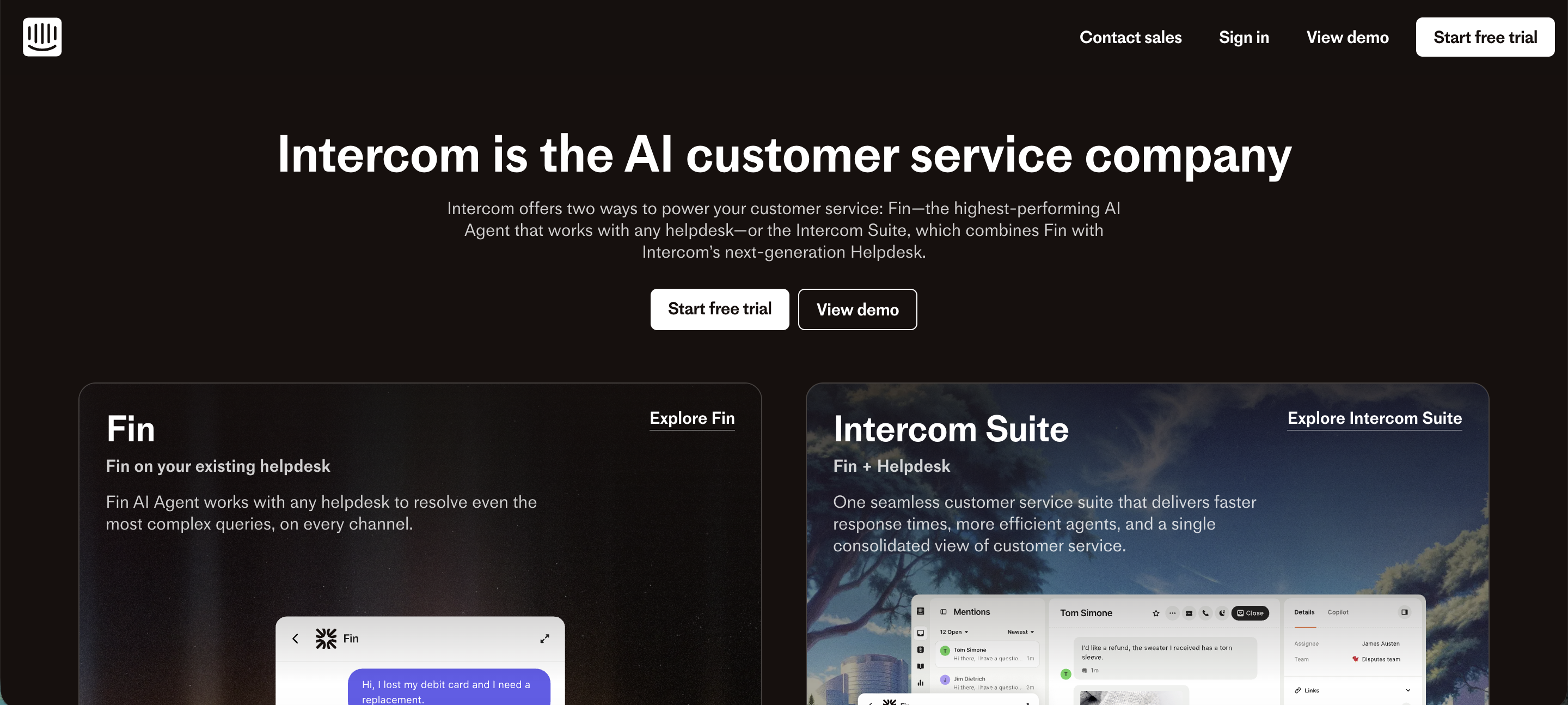
Intercom is a customer communication platform that combines messaging, automation, and self-service support to enhance customer engagement and streamline support operations.
Top features:
- Live chat: Engage with website visitors in real time to address inquiries and provide assistance.
- Automated chatbots: Handle common customer questions and tasks, reducing the workload on support teams.
- Shared inbox: Centralize customer communications from various channels for efficient team collaboration.
- Product tours: Guide users through your product's features to improve onboarding and adoption.
- In-app messaging: Send targeted messages to users within your application to boost engagement.
Considerations:
- Pricing: Costs can escalate with additional features and higher usage, and the tool gets prohibitively expensive at one point.
- Complexity: The extensive feature set may require extensive time and training.
- Customization: While offering various customization options, some advanced modifications may require technical expertise or assistance from the support team.
Pricing: starts at $29 per seat/month for the Essential plan, with more advanced plans like Advanced at $85 per seat/month and Expert at $132 per seat/month.
If you want to automate customer conversations with AI, Intercom is one of the better choices, but it's far from ideal. The low starting price is very deceptive because you'll have to pay $0.99 for every resolved customer conversation, which can lead to thousands on your Intercom invoice.
9. Kissmetrics
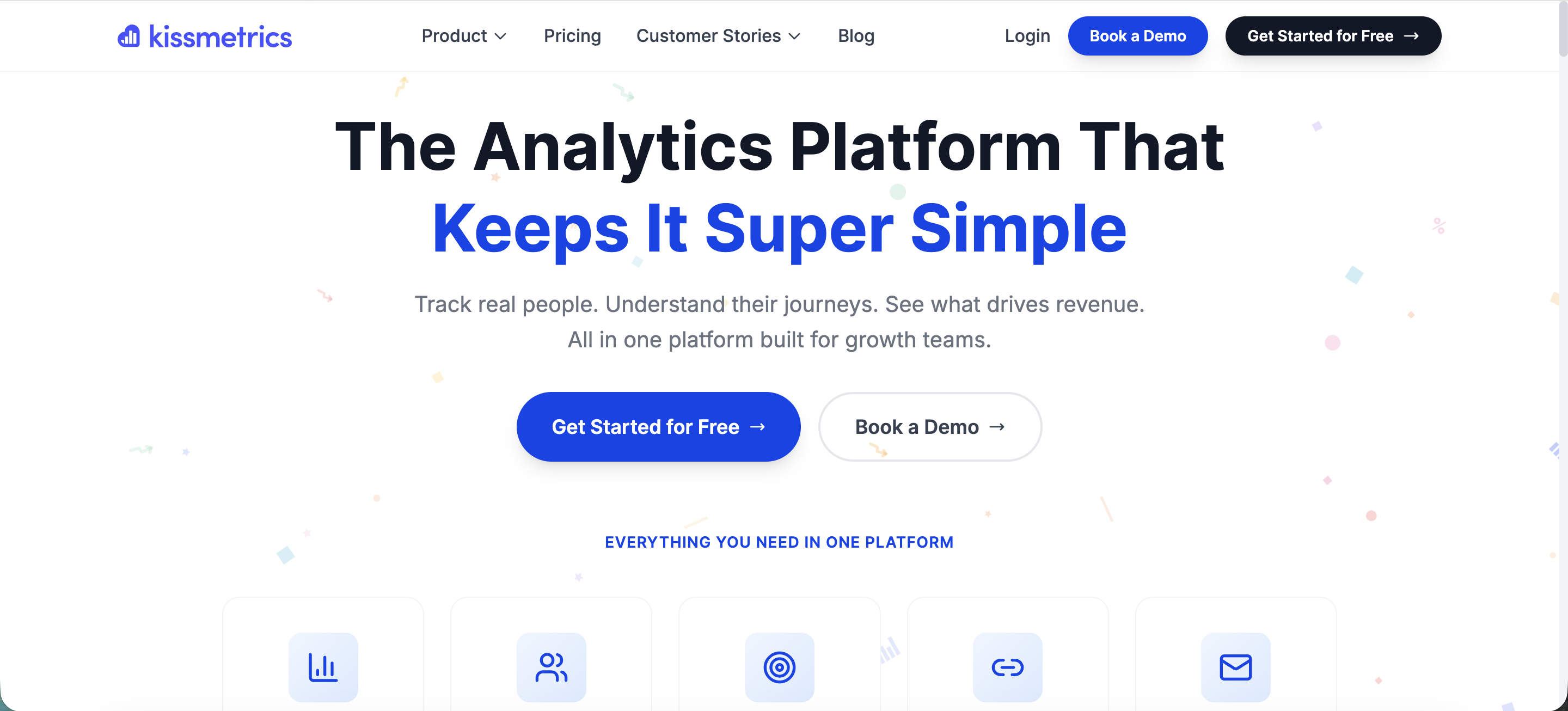
Kissmetrics is a behavioral analytics platform that helps businesses understand customer interactions across web and mobile applications, enabling data-driven decisions to enhance user engagement and drive growth.
Top features:
- Event tracking: Monitor user actions to gain insights into behavior and identify opportunities for optimization.
- Funnel analysis: Identify drop-off points in user journeys to improve conversion rates.
- Cohort analysis: Group users based on shared behaviors or characteristics to analyze engagement over time.
- Revenue reporting: Track customer lifetime value and revenue metrics to inform strategic decisions.
- A/B testing reports: Evaluate the performance of different product variations to determine the most effective features or designs.
Considerations:
- Pricing: Costs can significantly impact budgeting for smaller teams or startups.
- Complexity: The platform's extensive features may require a learning curve and dedicated resources for effective implementation.
- Integration: Integrating Kissmetrics with existing systems may require technical expertise.
Pricing: starts at $299 per month for the Silver plan, which includes up to 2 million events and 2 user seats.
If you want real time customer insights from your mobile app or software, Kissmetrics is up there with Userpilot, Pendo and Kissmetrics, in terms of features and pricing.
10. Dovetail
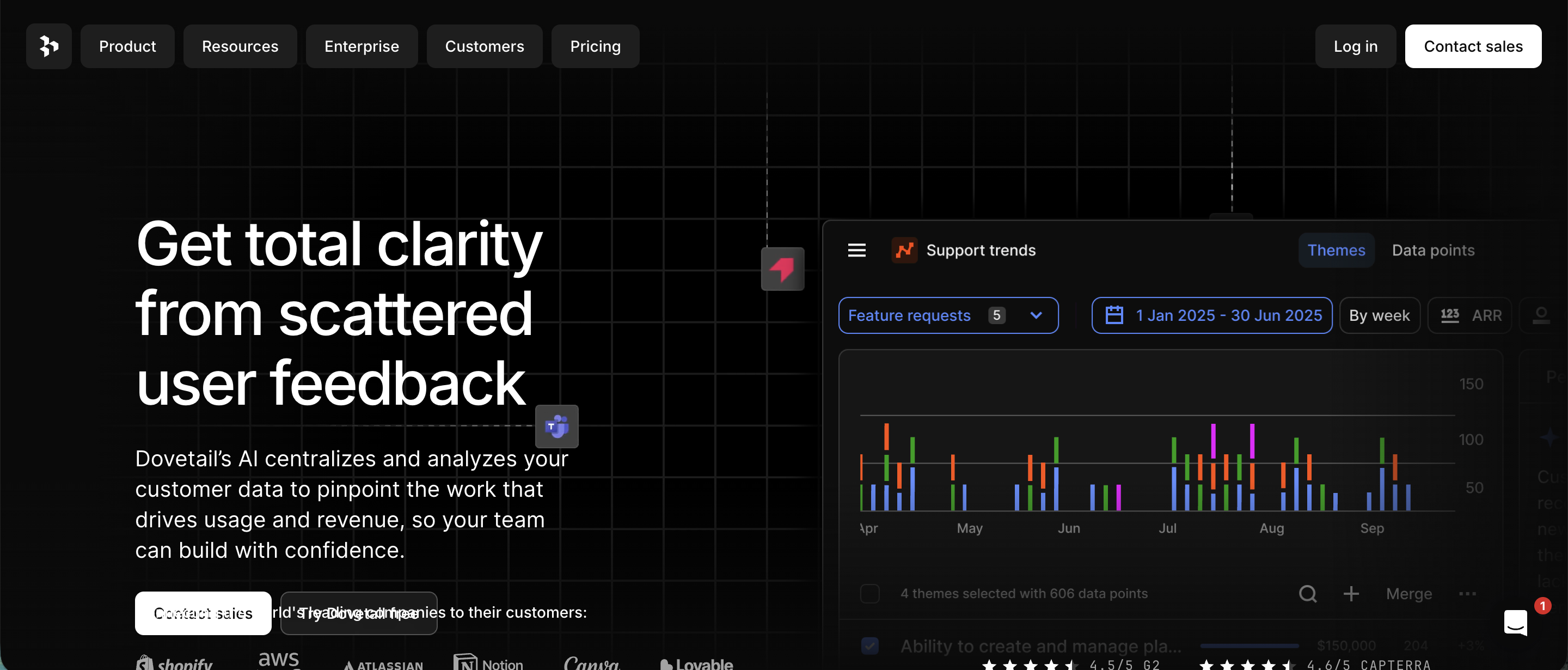
Dovetail is a customer research platform that helps teams store, analyze, and share user research data to gain valuable insights and improve product experiences.
Top features:
- AI-powered analysis: Automatically summarizes key moments and tags highlights in customer calls and interviews, speeding up the research process.
- Centralized repository: Consolidates various data sources, including calls, surveys, and support channels, into a single platform for comprehensive analysis.
- Collaboration tools: Allows teams to collaborate, research projects, share findings, and maintain a unified understanding of customer insights.
- Customizable workspace: Offers features like folders, filters, and views to organize research data according to team preferences.
- Integrations: Connects with tools like Slack, Notion, and Zapier to incorporate research insights into existing workflows.
Considerations:
- Pricing: Costs can increase with additional features or users, which may impact budgeting for smaller teams.
- Learning curve: New users might need time to fully utilize the platform's capabilities.
- Data privacy: Handling sensitive customer information requires adherence to data protection regulations.
Pricing: not available publicly, you'll have to book a demo.
11. Sprout Social
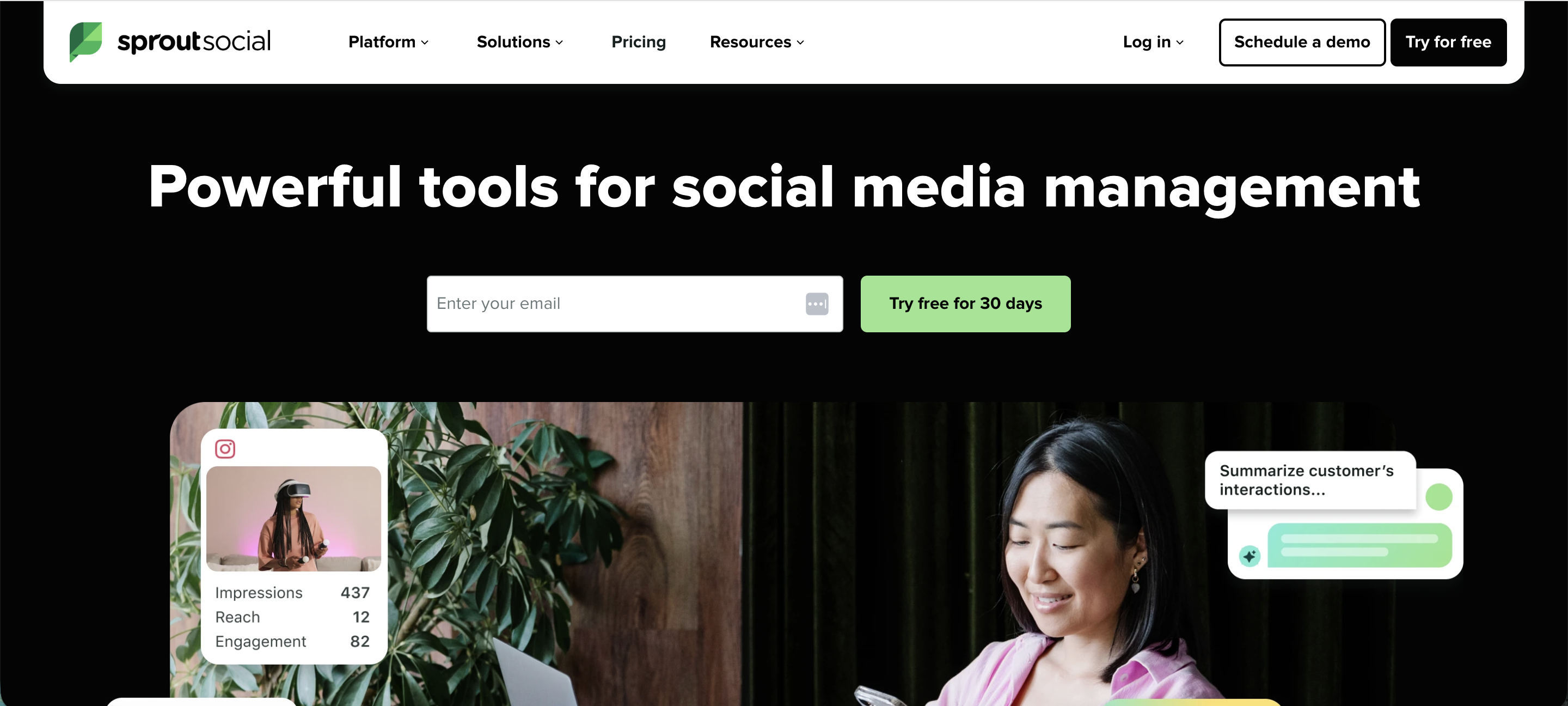
Sprout Social is a comprehensive social media management platform designed to help businesses manage their social media presence, engage with audiences, and analyze performance across various social networks.
Top features:
- Unified social inbox: Consolidates messages from multiple social platforms into a single stream, simplifying engagement and response management.
- Content scheduling and publishing: Allows users to plan, schedule, and publish posts across various social media channels, ensuring consistent content delivery.
- Social media analytics: Provides detailed reports on engagement, reach, and performance metrics to assess the effectiveness of social strategies.
- Social listening: Monitors brand mentions and industry keywords to uncover trends and gather actionable insights from social conversations.
- Employee advocacy: Empowers employees to share curated content, amplifying the brand's reach through personal networks.
Considerations:
- Pricing structure: The platform operates on a per-user pricing model, which can become expensive for larger teams or organizations.
- Feature limitations in lower-tier plans: Some advanced features, such as in-depth analytics and social listening, are only available in higher-priced plans.
- Learning curve: New users may require time to understand and benefit from the platform's extensive features.
Pricing: starts at $199 per user/month for the Standard plan, which includes five social profiles.
12. Ahrefs
Surprised by Ahrefs here? It isn’t a traditional feedback tool – but it’s a powerhouse for customer insight, especially at the pre-feedback stage. It helps you understand what people are searching for, which competitor content gets attention, and where your brand is mentioned across the web (and even in AI-generated answers thanks to Brand Monitoring & Brand Radar).

Think of Ahrefs marketing platform as market research for product teams. You’ll get keyword insights, backlink data, content gaps, and even track what people wish existed—before they ever land in your feedback form.
Top features:
- Content Explorer to track high-performing competitor content
- Brand mentions monitoring across search and AI platforms
- Keyword and topic analysis to guide roadmap decisions
- SEO + product alignment insights for demand validation
Considerations:
- It’s not a feedback form, but it tells you what people already care about
- Requires some SEO knowledge to extract full value
Pricing: Starts at $99/month for the Lite plan, but free Ahrefs Webmaster Tools are also available for site owners.
If you need almost real time customer intelligence when it comes to your search performance, a combination of Ahrefs, Google Analytics and Google Search Console will give you all the data you've ever needed.
13. Zonka Feedback

Zonka Feedback is an AI feedback analytics tool that helps collect and analyze feedback across surveys, support tickets, chats, and reviews. It goes beyond simple sentiment scoring to detect emotions, intent, and urgency in every response, while automatically categorizing feedback into themes and trends for faster and actionable insights.
Top features:
- AI Feedback Intelligence: Detects sentiment, emotions, intent, and urgency in real time across surveys, reviews, support tickets and conversations.
- Contextual analysis: Organizes feedback into themes, sub-themes, and auto-generated tags to surface patterns instantly.
- Role-based dashboard: Provides tailored views for different teams so each sees the insights most relevant to them.
- Automated workflows: Routes negative or urgent feedback to the right teams, escalates issues, or triggers follow-ups automatically.
- Advanced reporting: Customizable dashboards and AI-powered summaries to track key drivers, trends, and overall sentiment.
- End-to-end feedback management: Covers everything from survey creation to analysis to closing the loop, ensuring insights turn into action.
Considerations:
- Limited native BI integrations: While it connects easily via Zapier and APIs, direct integrations with BI tools are still limited.
- Setup for large teams: Tailoring dashboards and workflows for enterprise-scale use may require initial configuration time.
Pricing: Starts at $49 per month, with a free 14-day trial available.
If you're looking for real-time data based on surveys + an understanding of customer sentiment, this is a decent option that won't break the bank.
Understand customer behavior with Featurebase
Customer insight tools can unlock things hiding in plain sight. You'll learn how customers engage with your product, spot market trends, and get detailed insights about user experience across your segments. But choosing the right customer insights platform is no easy feat, as it depends on your unique needs and requirements.
Featurebase is one of the best modern customer insights tools that helps you collect product feedback in one place with the help of integrations, surveys, and a public Feedback Forum. You can connect your customer data to the feedback and prioritize ideas based on revenue, company size, and more to build what really matters.
It comes with a Free plan, and the onboarding is super simple, so there's no downside to trying it out! 👇
✨ Start collecting & managing product feedback with Featurebase for free →